Welcome to the Grid
How this site is built, and how to add your own posts in seconds.
This is the first post on the new site. It exists to show what a post looks like — headings, images, code, quotes, the works — and to document how you add your own.
Adding a new post
Drop a Markdown file into src/content/blog/. The filename becomes the URL slug,
so my-cool-post.md is served at /blog/my-cool-post. Every post needs this
frontmatter block at the top:
---
title: "Your title"
description: "One-line summary for cards and SEO."
pubDate: 2026-06-17
tags: ["tag-a", "tag-b"]
cover: ./cover.svg     # optional
---
That’s it. The post shows up automatically on the home page and the blog index, and the tag filter picks up your tags.
Images
There are two ways to use images:
1. Next to the Markdown file (optimized automatically) — reference it with a relative path:
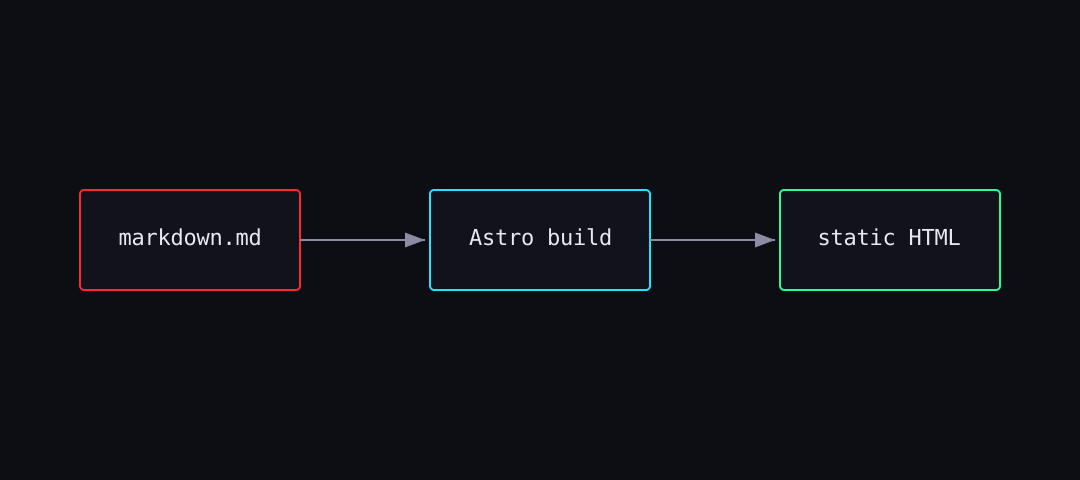
2. From the public/ folder — reference it with an absolute path like
/images/photo.jpg. Use this for things you don’t want processed.
Cover images use the same relative-path approach via the
cover:frontmatter field, and they’re type-checked at build time — a broken path fails the build instead of shipping a missing image.
Code blocks
Fenced code blocks are syntax-highlighted with a dark theme that fits the palette:
function greet(name: string): string {
  return `// hello, ${name}`;
}
Changing the look
Every color, font and effect lives in src/config/theme.ts. Want matrix green
instead of neon red? Swap one object. Want to kill the scanlines? Flip a boolean.
Nothing else in the codebase hardcodes a color.
Now go write something.